Omarchy
Omarchy for Fydetab Duo, a native aarch64 port maintained by the FydeOS team.
Omarchy is DHH's opinionated take on an Arch Linux desktop built around Hyprland: a tiling Wayland compositor, a curated set of applications and a consistent set of keybindings and themes, all configured out of the box. The official distribution targets x86 PCs.
This image is a native aarch64 port of Omarchy for the Fydetab Duo. It is built on Arch Linux ARM with the linux-fydetab 6.12 kernel and ships the full Omarchy desktop (Hyprland plus the Omarchy shell), with SDDM as the login screen.
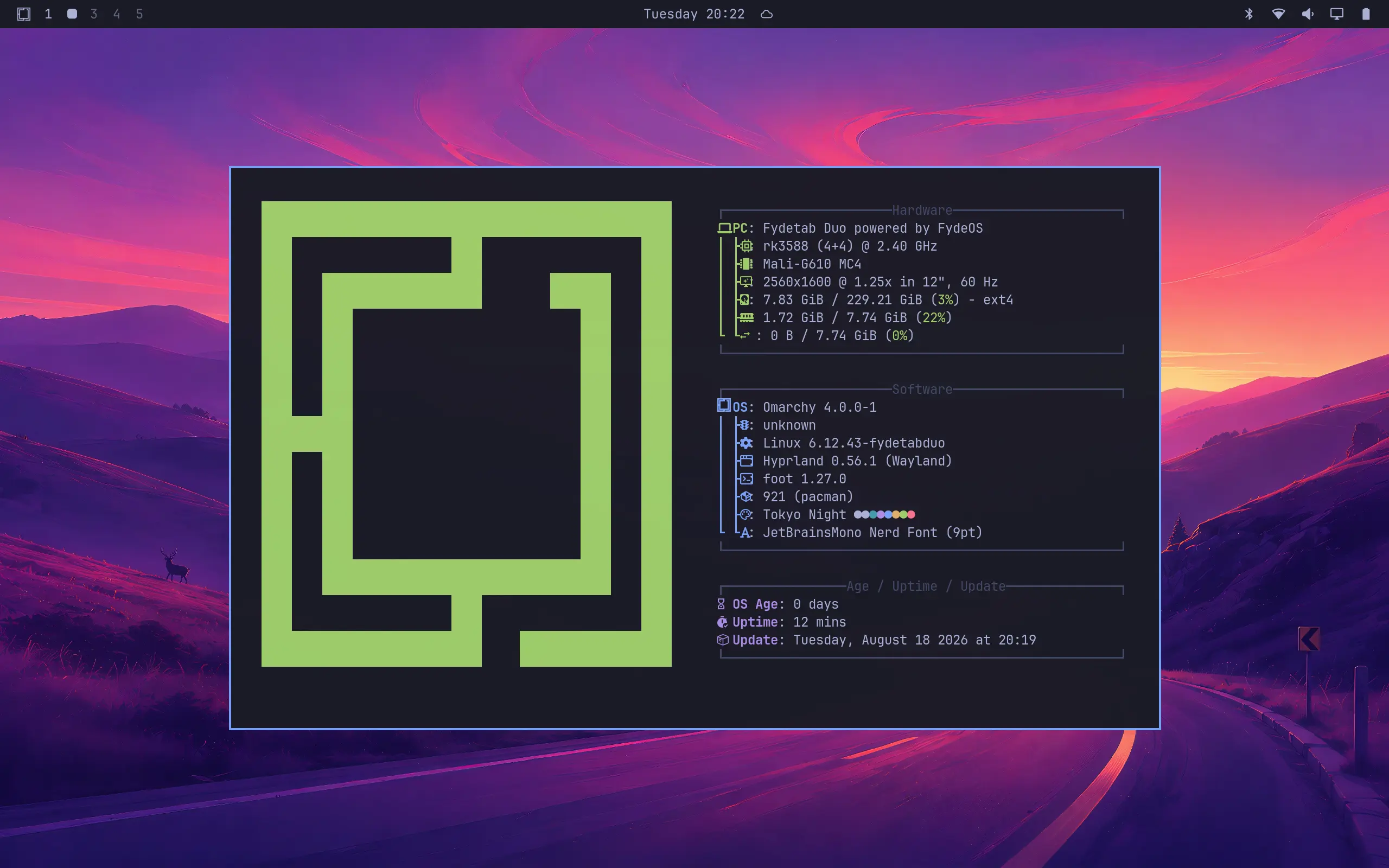
Board support is enabled out of the box:
- Wi-Fi and Bluetooth
- Mali G610 GPU acceleration via panthor and Mesa
- Deep suspend and resume
- Audio
- Sensors
- Touchscreen, with HiDPI scaling configured for the portrait DSI panel
The root filesystem is btrfs with snapshot support: omarchy-update takes a snapshot before it updates the system, so the device can be rolled back to a snapshot if an update goes wrong.
📥 Download
Images are published on the GitHub Releases page of the build pipeline:
Pick the latest release titled Omarchy for Fydetab Duo. The asset is named like ArchLinux-ARM-Fydetab-Duo-Omarchy-uboot-<date>.img.xz, and its SHA-256 checksum is listed in the release notes.
💾 Installation
Flashing is identical to the Arch Linux image. Uncompress the download with unxz first, then either:
- Boot from an SD card: flash the
.imgfile to an SD card with Balena Etcher or Rufus, insert the card into the Fydetab Duo and boot from it. - Install to the internal eMMC: put the device into Loader mode and flash the
.imgfile over USB withrkdeveloptool(Linux and macOS) or RKDevTool (Windows).
For the full walkthrough — entering Loader mode, the loader binary, driver setup and troubleshooting — follow the Arch Linux installation guide and substitute the Omarchy image file name.
First boot
The first boot enlarges the root filesystem to fill the storage, so it takes longer than later boots.
The image ships with no pre-created user account. The device shows a setup screen where you create your own username and password, and then logs you into the Omarchy session. Some provisioning steps need network access; if the device is offline they are retried on later logins.
⚠️ Known limitations
- No full-disk encryption yet, while official x86 Omarchy encrypts by default. It is planned.
- Some entries in the Omarchy install menu are unavailable on ARM: x86-only applications such as 1Password, Spotify and Dropbox, plus a few others that are not packaged for aarch64 yet.
- Boot is text-mode for now; there is no graphical splash screen.